Skip to content
Forensic Data Recovery from APFS Volumes: Overcoming T2 and M-Series Encryption and Snapshot Failures
Introduction
Modern Apple computers—those utilizing the T2 Security Chip (starting in 2018) or the powerful Apple Silicon (M-series) architecture—have redefined data security. Every byte of data written to the Solid State Drive (SSD) is hardware-encrypted by default using keys stored within the Secure Enclave, a component of these integrated chips.
While this protects user data against theft, it has introduced a catastrophic new challenge for data recovery. When the primary logic board or the T2/M-series chip itself suffers a hardware failure (due to liquid damage, power surge, or component burnout), the unique decryption key stored in the Secure Enclave is rendered inaccessible. The data is physically present and often structurally sound on the APFS (Apple File System) volume, but it is effectively locked behind an impenetrable cryptographic wall.
Retrieving this data is no longer a simple matter of disassembling a drive and connecting it to a recovery rig. It requires a highly specialized forensic process that merges micro-soldering board repair with deep knowledge of the APFS file system and Apple’s proprietary encryption protocols.
The Core Problem: Hardware-Bound Encryption
On a modern Mac, the data recovery process is fundamentally blocked by the cryptographic architecture.
1. The T2/M-Series Cryptographic Lock
Prior to the T2 chip, data resided on a removable SSD. If the laptop failed, the drive could be removed and connected to another computer for decryption using a recovery key.
-
Secure Enclave Destruction: On T2 and M-series Macs, the SSD is permanently soldered to the logic board. The decryption key is never written to the SSD; it is generated and held exclusively within the Secure Enclave portion of the T2/M-series chip. When the logic board fails, the entire circuit required to generate and release that key is destroyed.
-
Irretrievable Key: Without the functioning Secure Enclave, the data is worthless. No amount of software, password input, or brute force can decrypt the raw data on the SSD, as the hardware key is gone.
2. APFS Container Failure and Snapshot Corruption
The Apple File System (APFS), designed for modern flash storage, relies on a container structure and features extensive use of read-only snapshots for system integrity.
-
Logical Corruption: While robust, APFS is highly complex. Logical failures—such as directory corruption during a forced shutdown or power loss—can cause the internal APFS container structure to become unreadable. This prevents the Mac from mounting the volumes, even if the encryption key is theoretically available.
-
Snapshot Rollback: Sometimes, a software failure or bug can cause the system to default to an older, intact snapshot, which might be weeks or months old, leading to the apparent “loss” of recent files. Forensic recovery needs to identify the last correct logical state, not just the last stable snapshot.
The Forensic Solution: Logic Board Revival
Because the key is bound to the failing hardware, the only successful path to data recovery is to resurrect the logic board to a minimal functional state, allowing the Secure Enclave to perform the necessary decryption.
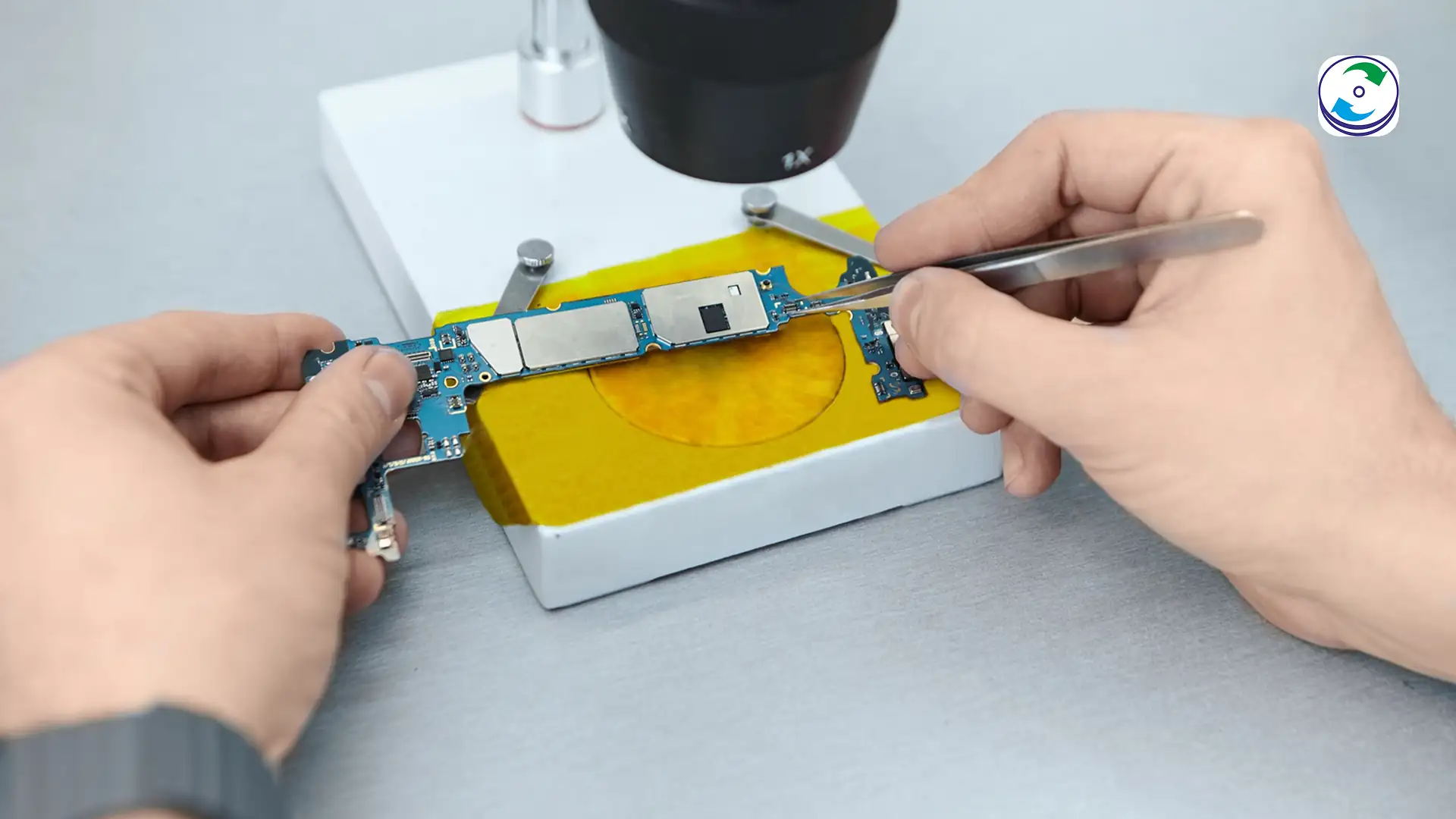
Step 1: Diagnostics and Micro-Soldering Repair
This process is more akin to electronic repair than traditional data recovery.
-
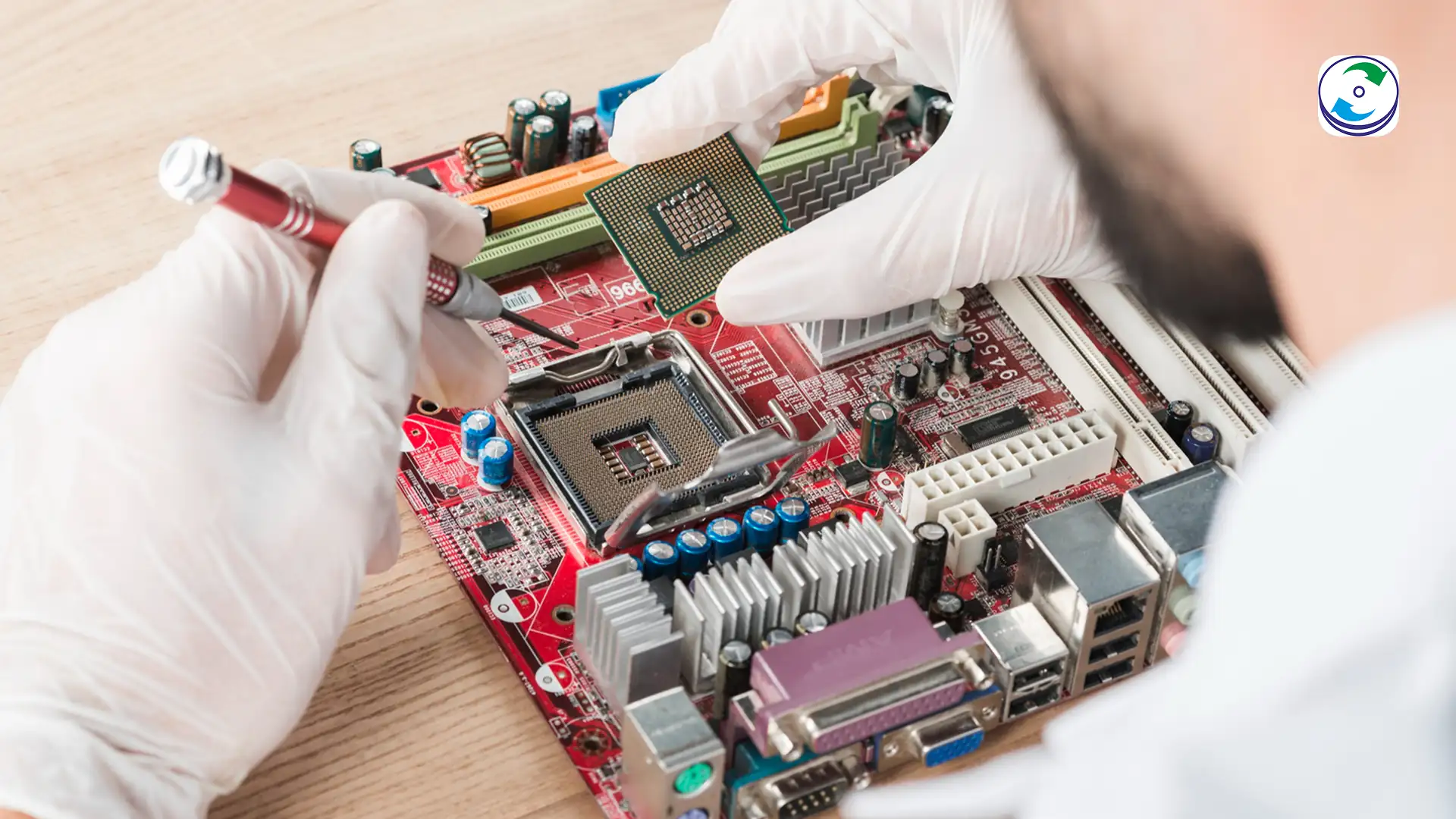
Fault Isolation: The specialist begins by microscopically inspecting the logic board to identify the specific component failure—often corrosion from liquid, or a burned-out capacitor or voltage regulator from a surge.
-
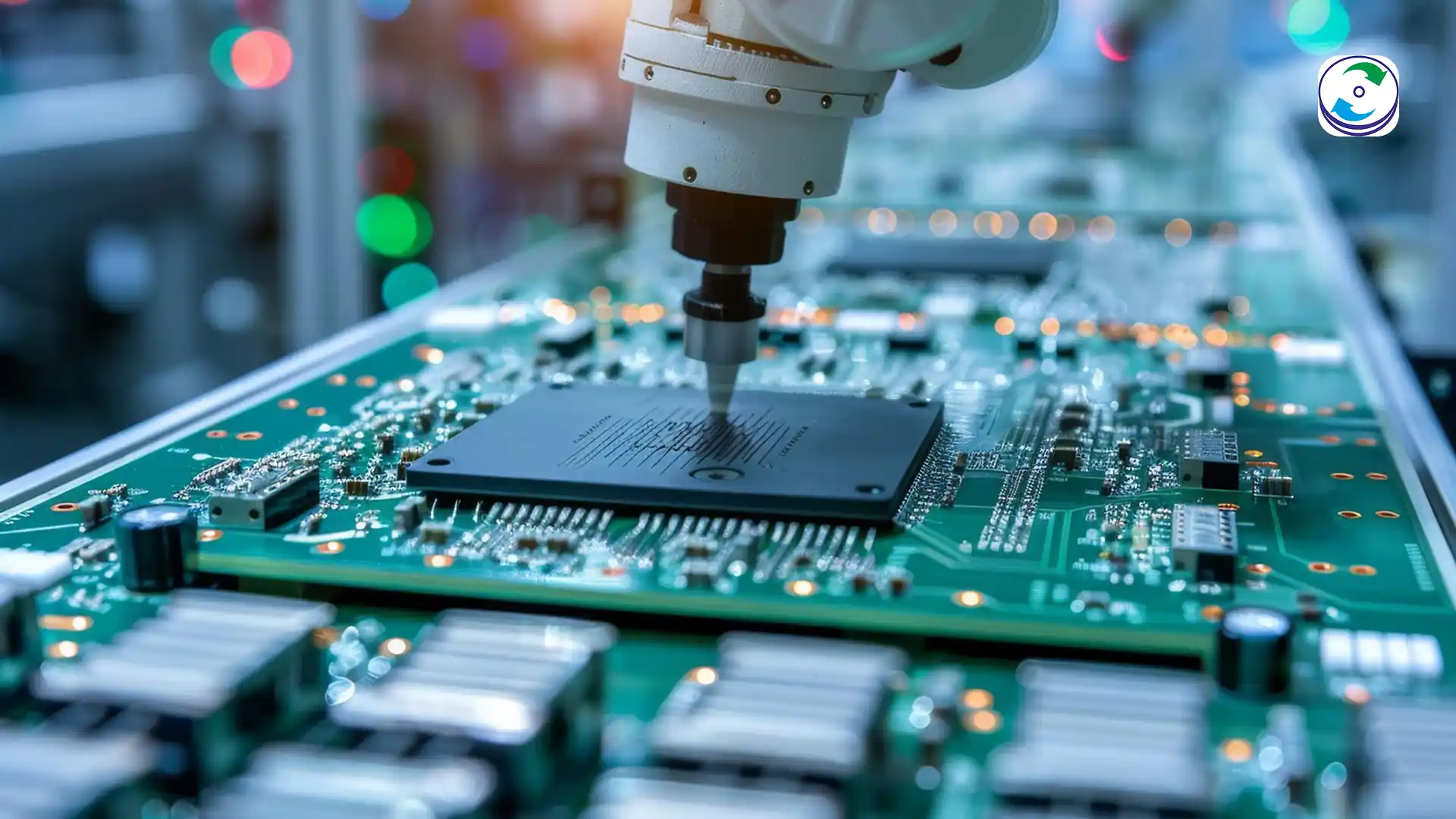
Board Repair: Using specialized schematics and advanced micro-soldering equipment, the engineer surgically replaces the failed components. The goal is not to create a fully functioning laptop, but to repair the minimal power and communication rails necessary to bring the Secure Enclave (T2/M-series chip) back online and enable the SSD controller to communicate.
-
Data Access Enablement: If successful, the logic board will reach a state where it can establish a cryptographic handshake and allow the SSD contents to be mounted.
Step 2: APFS Structure Reconstruction
Once the board is stabilized and the data is cryptographically accessible, the focus shifts to repairing the file system.
-
Bypassing Volume Corruption: If the internal APFS container is logically corrupted, specialized forensic software is used to analyze the APFS structure. This tool bypasses the failing directory structures and raw-reads the blocks of data, reconstructing the file and folder hierarchy from the physical data blocks.
-
Snapshot Analysis: The forensic team analyzes the metadata checkpoints within the APFS structure to identify the latest correct logical state, ensuring they are not recovering an obsolete snapshot but the actual, most recent version of the user’s data. For detailed information on APFS structure and its complex metadata, technical white papers from Apple provide the foundational knowledge on APFS containers and volumes.
Step 3: Secure Data Extraction
With the logic board temporarily stabilized and the APFS volume mounted, the data can be extracted.
-
Direct Port Transfer: The recovered Mac is connected to a clean forensic workstation, and the decrypted data is transferred through a high-speed diagnostic or USB-C port.
-
Validation: The extracted data is validated against known file structures to ensure cryptographic integrity, confirming that the data is not only readable but also 100% accurate.
Conclusion: Expertise is Mandatory
The era of easy Mac data recovery ended with the introduction of the T2 and M-series chips. Data loss on these systems is now a sophisticated hardware and cryptographic failure event.
A failed Mac logic board does not just mean a broken laptop; it means the destruction of the key required to read your entire hard drive. Recovery efforts that do not involve precise micro-soldering logic board repair to temporarily resurrect the Secure Enclave are doomed to fail.
If your modern macOS device has suffered physical damage or failed without warning, do not attempt to replace components or run generic repair software. Contact DataCare Labs immediately. We possess the unique fusion of APFS forensic knowledge and advanced component-level repair skills required to bypass hardware-bound encryption and retrieve your mission-critical data.