Skip to content
Hard Disk Data Recovery: Complete Guide to Recover Lost or Deleted Data
Introduction
Losing important data from your hard disk can be stressful, whether it’s due to accidental deletion, system failure, or physical damage. Fortunately, hard disk data recovery is possible in many cases using professional tools and techniques. In this guide, we’ll explain everything you need to know about recovering your data, common causes of failure, and effective solutions.
What is Hard Disk Data Recovery?
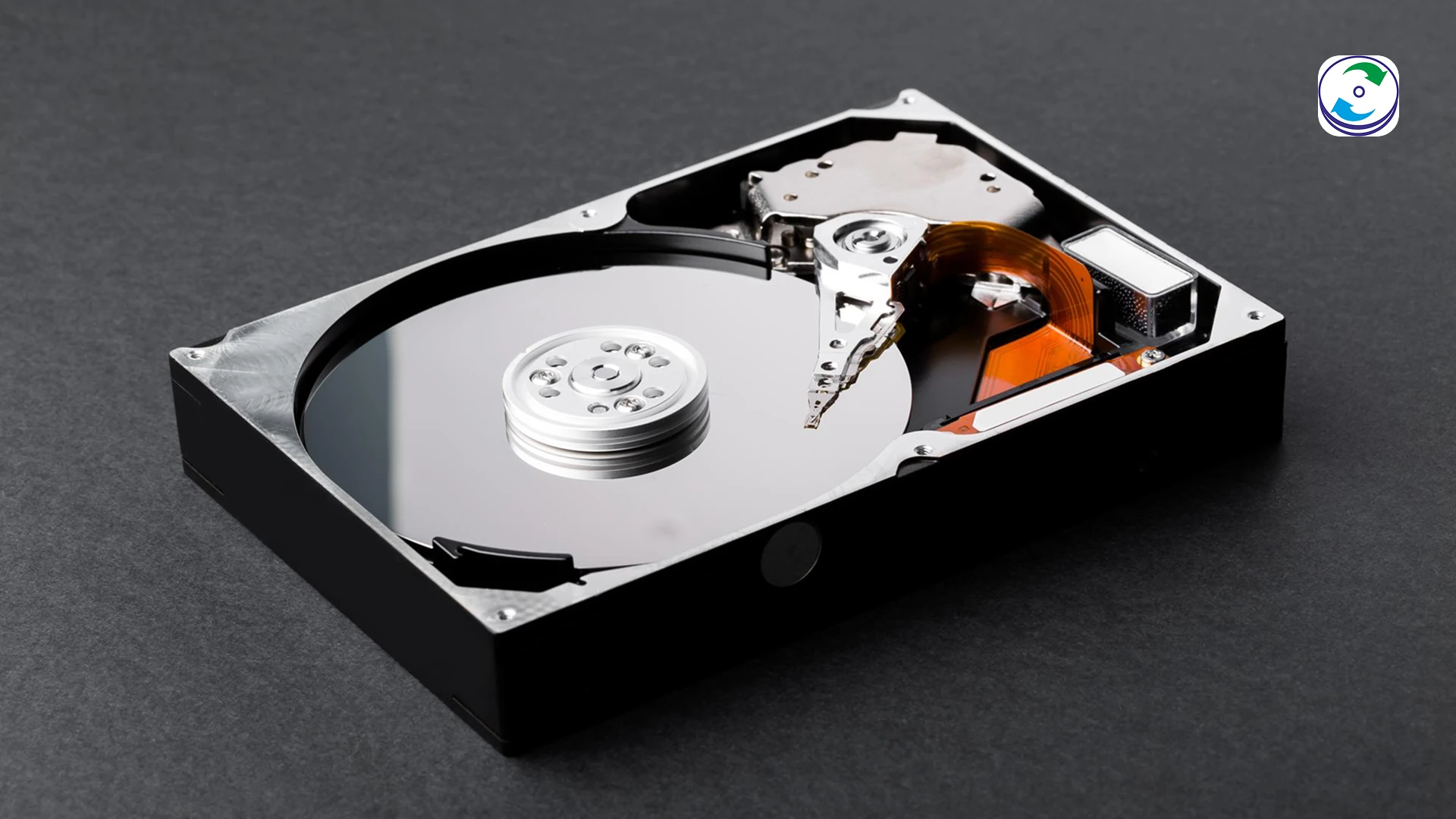
Hard disk data recovery is the process of retrieving lost, deleted, corrupted, or inaccessible data from a storage device such as an HDD or SSD. Even if your data appears to be deleted, it often remains on the disk until it is overwritten.
Common Causes of Hard Disk Failure
Understanding the causes can help prevent data loss:
-
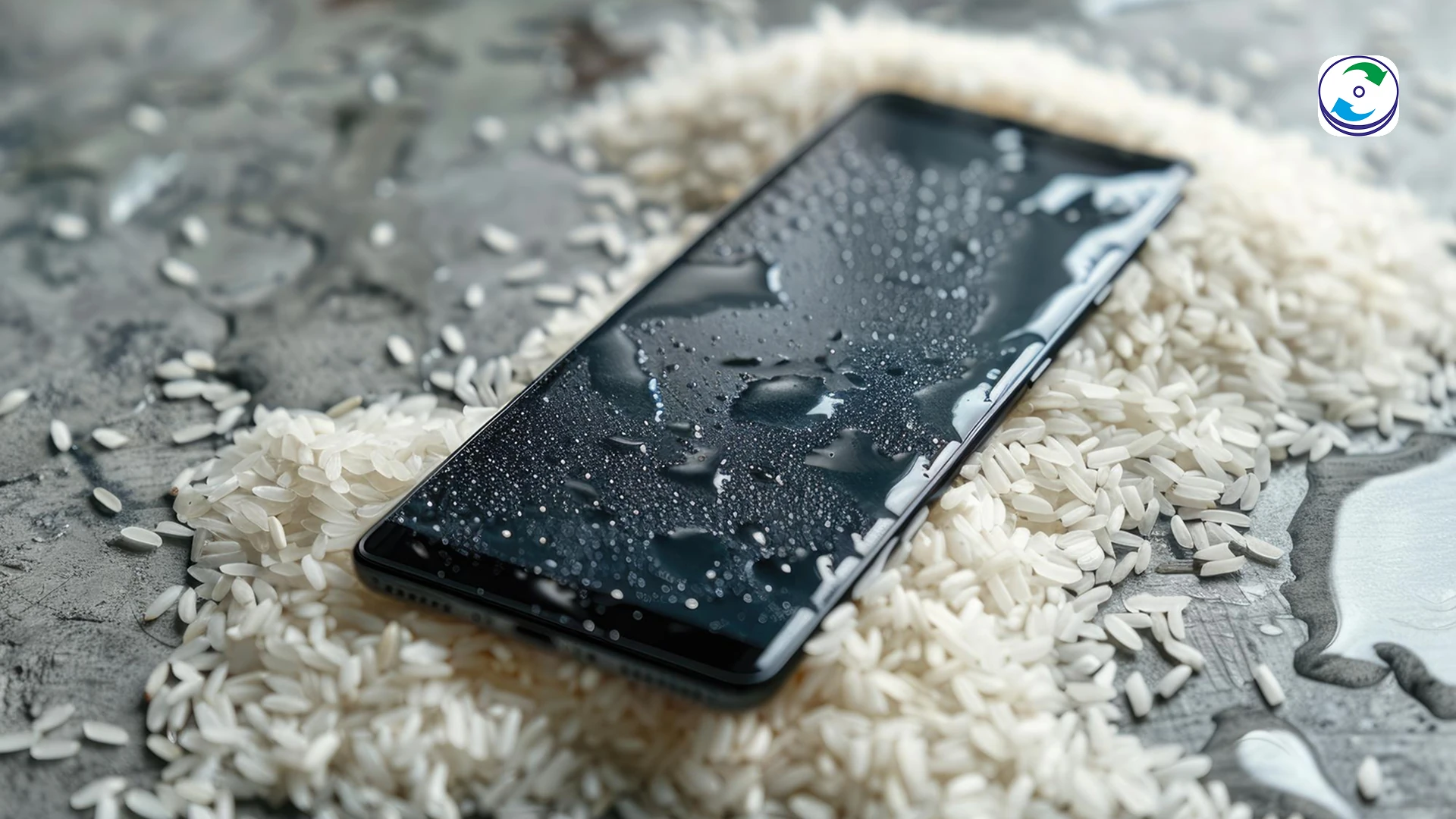
Physical damage: Drops, shocks, or water exposure
-
Logical errors: File system corruption or formatting
-
Mechanical failure: Clicking noise hard drive issues
-
Power surges: Sudden shutdowns or electrical damage
-
Virus or malware attacks
Signs You Need Data Recovery
1. Hard Disk Not Detected Data Recovery
If your system fails to recognize the hard drive, it could indicate internal damage or connection issues.
2. Clicking Noise Hard Drive Recovery
A clicking sound often means mechanical failure, requiring professional recovery services.
3. Crashed Hard Disk Recovery
System crashes can corrupt files and make data inaccessible.
4. Water-Damaged Hard Drive Recovery
Exposure to water can damage internal components, but recovery is still possible with expert help.
5. Formatted Hard Disk Recovery
Accidentally formatted drives can often be restored if new data hasn’t overwritten the old files.
How to Recover Data from a Hard Disk
Here are some effective methods:
DIY Hard Disk Recovery Methods
-
Use trusted recovery software
-
Restore from backup
-
Run disk repair tools
⚠️ Avoid installing recovery software on the same drive to prevent overwriting data.
Professional Data Recovery Services
For severe cases like physical damage or clicking noise, it’s best to consult experts. They use cleanroom environments and advanced tools to safely recover your data.
How to Fix a Corrupted Hard Drive
-
Run CHKDSK or disk utility tools
-
Update drivers
-
Scan for malware
-
Rebuild file systems
If these methods fail, professional recovery is recommended.
Why Choose Professional Data Recovery Services Mumbai?
Choosing expert Best data recovery services in Mumbai ensures:
-
High recovery success rates
-
Advanced tools and cleanroom environments
-
Secure and confidential data handling
-
Support for all storage devices and systems
DIY recovery attempts can worsen the damage, so it is always advisable to rely on professionals.
Can Data Be Recovered from a Dead Hard Disk?
Yes, data can often be recovered from a dead hard disk depending on the level of damage. Skilled technicians can extract data directly from platters using specialized equipment.
FAQs
FAQs
Frequently Asked Questions
How to recover data from a hard disk?
You can use recovery software for minor issues or consult professionals for complex cases like physical damage.
What is hard disk data recovery?
It is the process of retrieving lost or inaccessible data from storage devices.
What causes hard disk failure?
Common causes include physical damage, corruption, malware, and power issues.
How to fix a corrupted hard drive?
Use system repair tools, antivirus scans, or professional recovery services.
Can data be recovered from a dead hard disk?
Yes, in many cases, experts can recover data using advanced techniques.
Are DIY hard disk recovery methods safe?
They are safe for minor issues but risky for physically damaged drives.
Conclusion
Hard disk failures can happen unexpectedly, but data recovery solutions are available for almost every scenario. Whether your hard drive is not detected, making clicking noises, or accidentally formatted, acting quickly is key. For best results, avoid using the drive and consult professional data recovery services when needed.