Skip to content
Mac Data Recovery: Complete Guide to Recover Deleted, Lost, or Corrupted Data

Introduction
Losing important data on your Mac can be stressful, whether it’s due to accidental deletion, system failure, or hardware damage. This guide covers everything you need to know about Mac data recovery, including step-by-step solutions and expert tips. The
What is Mac Data Recovery?
Mac data recovery is the process of retrieving lost, deleted, formatted, or inaccessible data from Mac devices such as MacBook, iMac, or external drives. This includes recovery from SSDs, HDDs, and Time Machine backups.
How to Recover Deleted Files on Mac
If you’ve accidentally deleted files, follow these steps:
-
Check the Trash Bin and restore files if available
-
Use Time Machine backup to recover previous versions
-
Use professional Mac data recovery software
-
Avoid saving new data to prevent overwriting
For quick recovery, always act immediately after deletion.
How to Recover Trash Files on Mac
Files deleted from Trash can still be recovered using:
-
Time Machine backup
-
Data recovery tools
-
Professional data recovery services
Even permanently deleted files can often be restored if not overwritten.
How to Restore a Mac from Backup
Restoring from backup is one of the safest methods:
-
Connect your Time Machine backup drive
-
Restart your Mac and enter macOS Recovery Mode
-
Select “Restore from Time Machine Backup”
-
Choose the backup and restore your system
This method works best for complete system recovery.
How to Recover a Formatted Mac Hard Drive
If your Mac hard drive is formatted:
-
Stop using the drive immediately
-
Use reliable recovery software
-
Scan the drive for recoverable data
-
Save recovered files to another device
Professional services may be required for complex cases.
Mac Data Recovery Tips
-
Always maintain regular backups
-
Avoid using the device after data loss
-
Use trusted recovery tools
-
Seek professional help for physical damage
-
Keep macOS updated to prevent corruption
Problem-Based Mac Data Recovery Solutions
Mac Not Booting Data Recovery
If your Mac won’t boot:
-
Use Target Disk Mode to access files
-
Boot into Recovery Mode
-
Connect the drive to another Mac
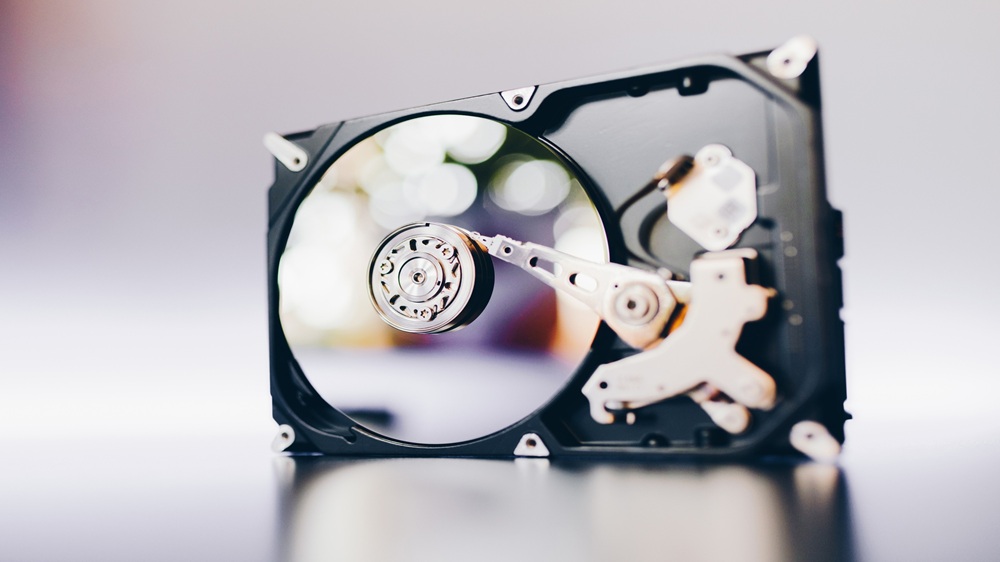
Mac Hard Drive Failure Recovery
For failing drives:
-
Listen for unusual noises
-
Avoid repeated attempts
-
Consult professional recovery labs
Mac SSD Not Detected in Recovery
If SSD is not detected:
-
Check Disk Utility
-
Reset NVRAM/SMC
-
Use advanced recovery tools
Mac OS Corrupted Data Recovery
For corrupted macOS:
-
Reinstall macOS without erasing data
-
Use Recovery Mode
-
Restore from backup
Mac Water Damage Data Recovery
-
Power off immediately
-
Do not attempt to charge
-
Seek expert help quickly
Mac Screen Broken Data Recovery
-
Connect to external display
-
Use screen sharing
-
Extract data via external drive
FAQs
Mac Data Recovery – Frequently Asked Questions
Find answers to common questions about data recovery success rates, pricing, RAID recovery,
turnaround time, and data security.
1. Can I recover permanently deleted files on Mac?
Yes, permanently deleted files can be recovered using Time Machine backup, recovery software, or professional services if not overwritten.
2. How long does Mac data recovery take?
It depends on the issue. Simple recovery may take a few hours, while complex cases can take several days.
3. Is Mac data recovery safe?
Yes, if done using trusted tools or professionals. Avoid unverified software.
4. What is the success rate of data recovery?
Success rates can go up to 90% if action is taken quickly and data is not overwritten.
5. When should I contact a professional?
If your Mac has physical damage, is not booting, or data is highly important, professional help is recommended.
Conclusion
Mac data recovery is possible in most situations, whether files are deleted, formatted, or lost due to system issues. By following the right steps and acting quickly, you can significantly improve your chances of recovery. For critical data loss, always rely on professional recovery services to ensure the best results.