Skip to content
SSD Data Recovery: Everything You Need to Know

Introduction
Solid State Drives (SSDs) have become the preferred storage solution due to their speed and reliability. However, like any storage device, they are not immune to data loss. This raises a common question: What is SSD recovery, and is it really possible? In this guide, we’ll explore how SSD data recovery works, common failure scenarios, and solutions for recovering lost data.
What is SSD Data Recovery?
SSD data recovery is the process of retrieving lost, deleted, or inaccessible data from a solid-state drive. Unlike traditional hard drives, SSDs use flash memory and advanced controllers, which makes recovery more complex but still possible in many cases.
How SSD Data Recovery Works
SSD data recovery works differently from HDD recovery due to features like TRIM and wear leveling. Here’s how the process typically works:
-
Diagnosis: Identifying whether the issue is logical (deleted files) or physical (hardware damage)
-
Firmware Access: Repairing or accessing SSD firmware to retrieve data
-
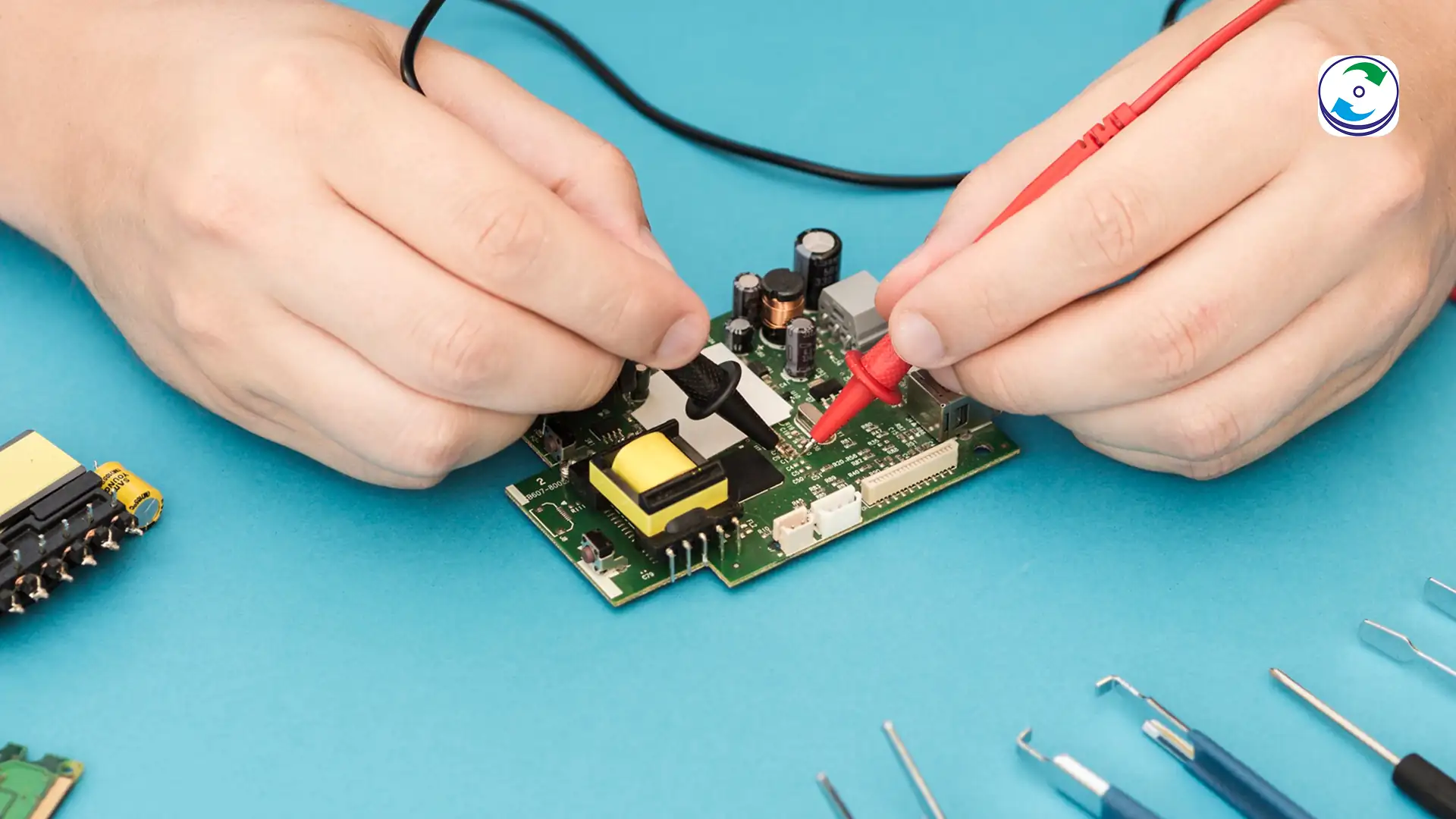
Data Extraction: Using specialized tools to extract recoverable data from memory chips
-
Reconstruction: Rebuilding files and folders from raw data
Professionals often use advanced lab tools to bypass SSD controller issues and recover data directly from NAND chips.
Can SSD Data Be Recovered?
Yes, SSD data can be recovered, but success depends on several factors:
-
Whether TRIM is enabled
-
Type of data loss (logical vs physical)
-
Time passed after deletion
-
Condition of the SSD
If TRIM has erased the data, recovery becomes difficult. However, in cases like firmware failure or sudden crashes, recovery is often possible.
SSD vs HDD Data Recovery
Understanding the difference between SSD and HDD recovery is important:
-
HDD Recovery: Easier due to magnetic storage and no TRIM
-
SSD Recovery: More complex due to encryption, TRIM, and controller dependency
-
Success Rate: Generally higher for HDDs, but SSD recovery is improving with advanced tools
Why SSD Fails and Data Loss Happens
SSDs can fail for various reasons, including:
-
Firmware corruption
-
Power failure or voltage spikes
-
Physical damage
-
NAND memory wear-out
-
Manufacturing defects
These issues can lead to sudden data loss without warning.
Common SSD Data Recovery Problems & Solutions
SSD Not Recognized in Data Recovery
If your SSD is not detected:
-
Check cables and ports
-
Try connecting to another system
-
Avoid repeated attempts that may worsen damage
This issue is often caused by firmware or controller failure.
SSD Crashed During Data Recovery
If an SSD crashes during recovery:
-
Stop using it immediately
-
Avoid DIY recovery tools
-
Consult professionals to prevent permanent loss
SSD Firmware Failure Recovery
Firmware failure is one of the most common SSD issues. Recovery involves:
-
Accessing hidden firmware modules
-
Rebuilding corrupted firmware
-
Extracting data using specialized hardware
Dead SSD Recovery
A “dead” SSD (not powering on or not detected) may still have recoverable data. Experts use chip-level recovery techniques to retrieve data directly from memory chips.
SSD Recovery After a Power Failure
Power failures can corrupt SSD data instantly. Recovery is possible if:
-
The controller is still functional
-
NAND memory is intact
Immediate action increases recovery chances.
FAQs
SSD data recovery – Frequently Asked Questions
Find answers to common questions about data recovery success rates, pricing, RAID recovery,
turnaround time, and data security.
1. What is SSD data recovery?
SSD data recovery is the process of retrieving lost or deleted data from a solid-state drive using specialized tools and techniques.
2. Can SSD data be recovered after deletion?
Yes, but only if the data has not been permanently erased by the TRIM function.
3. Why is SSD recovery difficult?
SSD recovery is complex due to encryption, TRIM technology, and controller-based data management.
4. What should I do if my SSD is not detected?
Stop using the device and consult a professional data recovery service immediately.
5. Is dead SSD data recovery possible?
Yes, in many cases, experts can recover data using chip-level recovery methods.
Conclusion
SSD data recovery is possible, but it requires the right approach and tools. Whether your SSD is not recognized, crashed, or completely dead, professional recovery services can significantly improve your chances of retrieving valuable data. Acting quickly and avoiding DIY mistakes is key to successful recovery.
If you’re facing SSD data loss, consult a trusted data recovery expert to ensure the best results.