Skip to content
WD Warranty Check: How to Verify a Western Digital Drive, and What the Claim Does to Your Data
A Western Digital drive — a My Passport, Elements, My Book, or an internal WD Blue, Black, Red or Purple — has failed. Two questions: is it under warranty, and what happens to the files on it? The check takes two minutes. The second answer is in WD’s own warranty policy, and it is blunt: the defective drive is not returned, data recovery is not part of the warranty process, and Western Digital does not provide data recovery services. If the data matters, the order in which you do things decides whether you get it back.
How to check a WD warranty by serial number
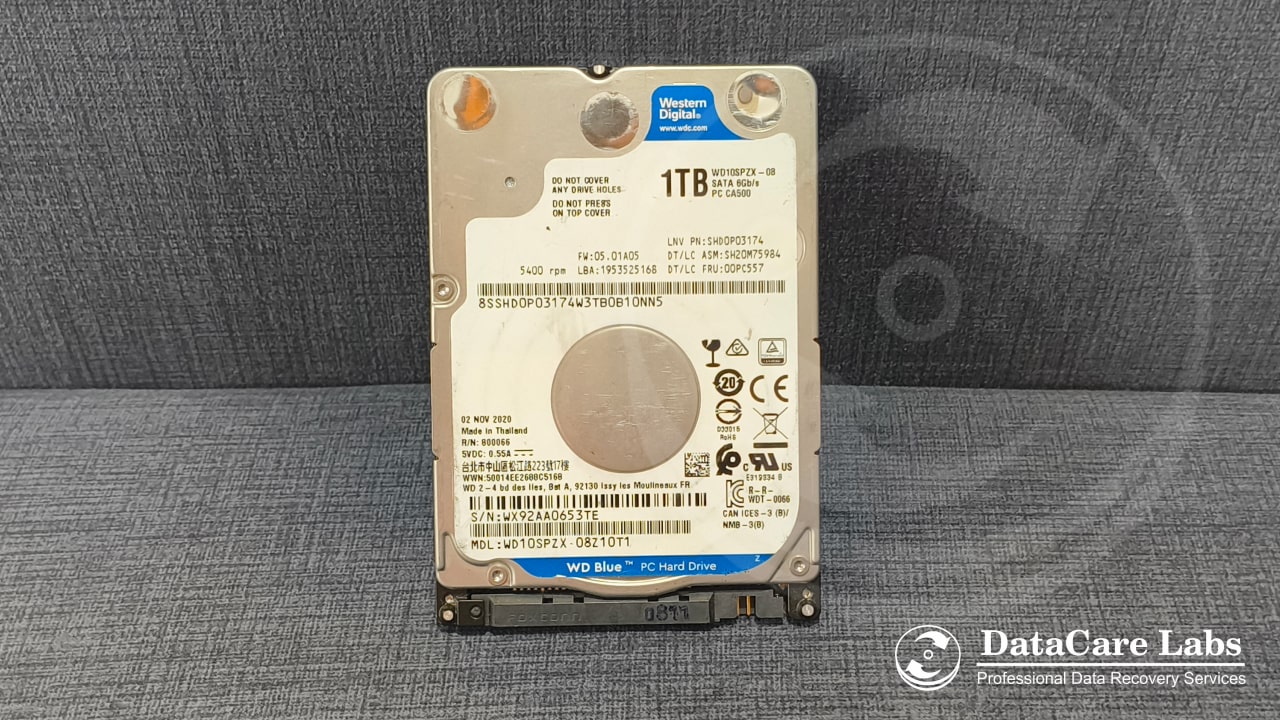
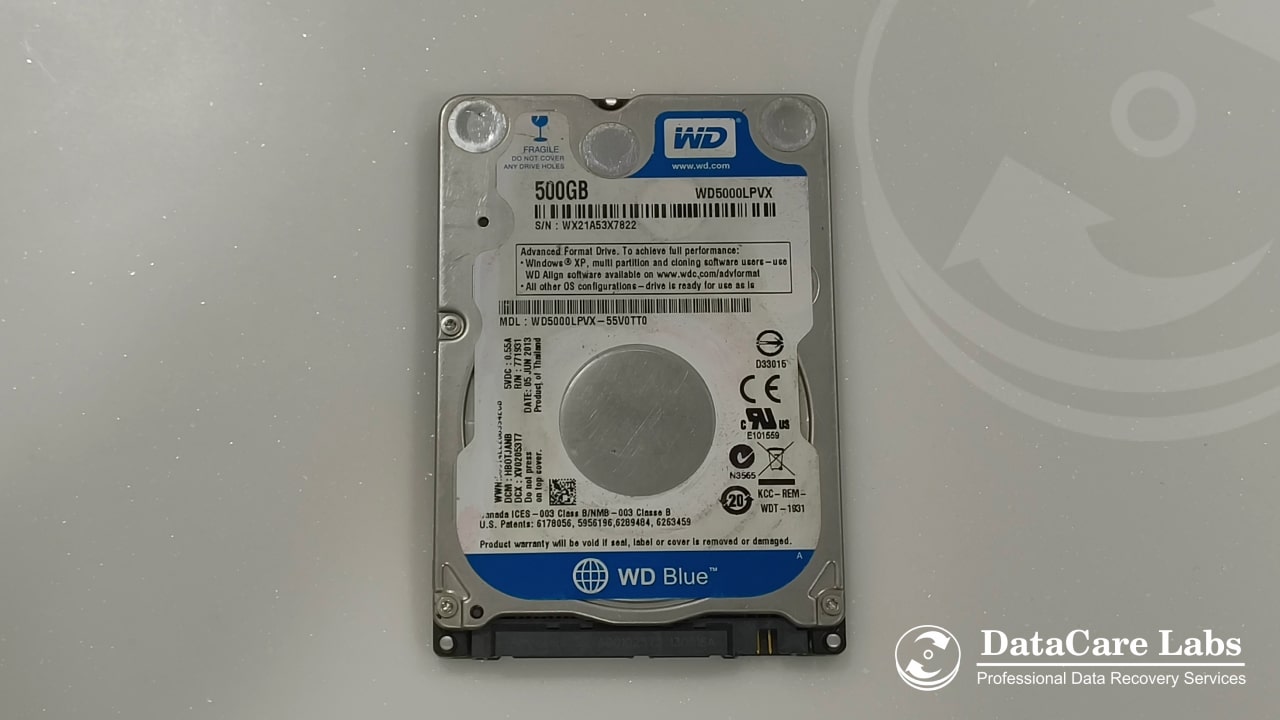
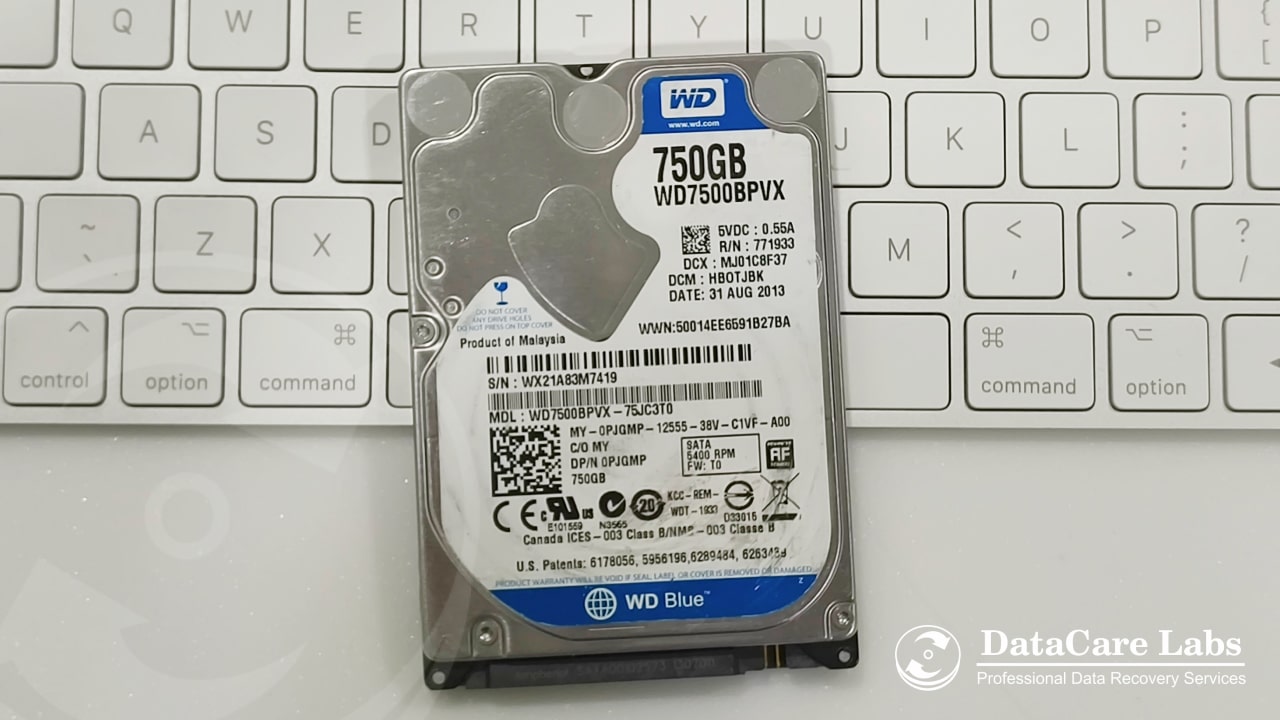
- Find the serial number on the drive’s label. Internal drives: the label on top of the drive, S/N starting with letters such as
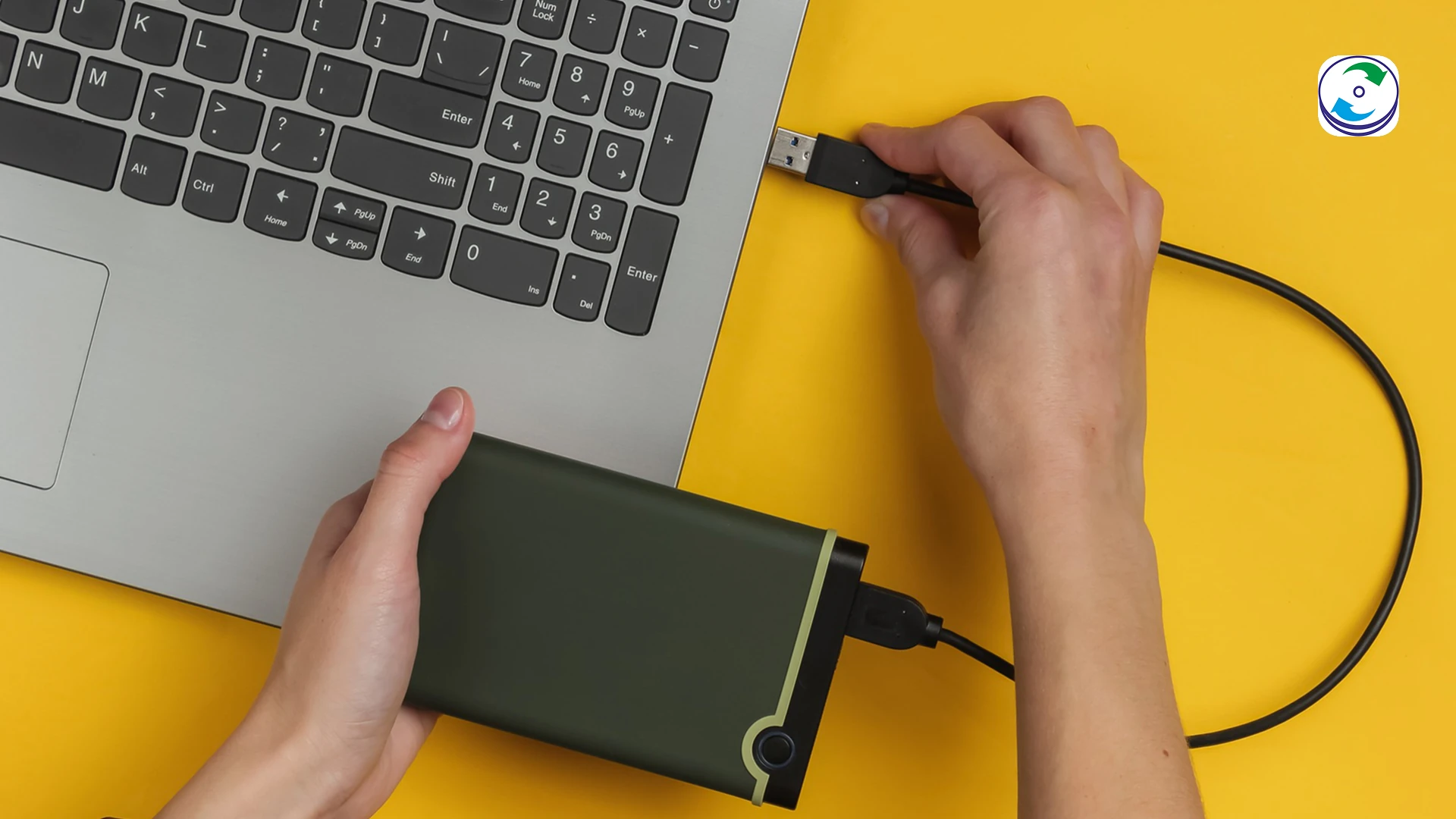
WCC,WXorWD-. External drives (My Passport, Elements, My Book): the label on the underside or back of the enclosure. The serial on the enclosure is the one WD’s system knows; do not open the enclosure to read the bare drive’s label — that voids the warranty (see below). - Open WD Support → Check Warranty Coverage Status and enter the serial number. The same tool serves drives bought in India; WD India warranty services routes to it.
- The result shows in warranty with the end date, out of warranty, or not found. Not found usually means a typo (the letter O against the digit 0), or a drive sold inside a laptop, NAS or another brand’s enclosure — its warranty belongs to that manufacturer.
- Coverage runs from the purchase date on the receipt from an authorised distributor, per WD’s India policy — not from the manufacture date. Keep the invoice; WD may ask for it.
SanDisk drives and cards have used a separate company and a separate lookup since 2025 (support-en.sandisk.com); the WD tool will not find them.
What a WD warranty claim gives you — in WD’s own words
The relevant lines from Western Digital’s warranty policy for India and its warranty replacement and data recovery support article:
- “Data Recovery is not covered under this warranty and is not part of the warranty returns process.” The drive you send in is replaced, not repaired and returned.
- “Western Digital does not provide data recovery services.” For a drive with data on it, WD’s article points you to its list of data recovery partners and adds that any agreement is between you and that provider.
- Replacement parts “may be previously used, repaired and tested to meet Western Digital’s specifications.” Expect a recertified drive, not a sealed retail one.
- You must move your data off first. WD does not return defective drives, and the policy makes continual backup — and a backup before any service request — your responsibility.
Unlike Seagate, WD does not bundle a recovery plan with its retail drives. There is no equivalent of Seagate’s Rescue to claim first (that case is covered in our Seagate warranty guide). With WD, recovery is something you arrange yourself, before the drive goes back.
What voids a WD warranty — and the My Passport trap
WD’s India policy excludes damage from tampering and specifically lists two things that end coverage:
- “Opening or removing external enclosures.” A My Passport, Elements or My Book is warranted as a sealed unit. Taking the bare drive out of the plastic shell — which some shops do to connect it by SATA — ends the claim, even if the drive is put back.
- “Removing or obliterating labels.” The serial label is the claim. Photograph it, never peel it.
The enclosure rule matters more than it looks. Many WD Passport drives have the USB bridge and hardware encryption on the drive’s own circuit board, so removing the drive from the enclosure gains nothing anyway; and the ones with a separate bridge board need that board — or a lab that can work without it — to read the data at all. Either way, a lab that intends to open the enclosure or the drive should tell you so before you agree, because that decision and the warranty claim are linked.
The right order when you want the data and the replacement
- Check the warranty and note the end date, but do not start the RMA yet. Once WD has the drive, the data is gone with it.
- Decide whether the data is worth more than a recertified drive. If not, back up whatever still reads, claim the warranty, and stop here.
- Get the data recovered before the drive leaves you. Ask the lab, before agreeing to anything, whether the recovery needs the enclosure or the drive opened — see the next section for which faults do.
- If it must be opened, ask WD support in writing first whether the claim will still be honoured. WD’s article defers to its partner list and says any agreement is between you and the provider; the policy itself is silent on third-party recovery beyond the enclosure and label rules. A written answer with a case number is what protects the claim.
- Then submit the RMA through the WD support account, with the invoice, and ship the drive.
Which WD failures need opening, and which don’t
This is what the free analysis at the lab determines, and it decides step 4 above:
- No opening needed: the drive is detected but slow, freezing or throwing read errors (bad sectors); the file system is damaged or the drive was formatted; the drive is not detected because the circuit board or its firmware has failed. These are imaged sector by sector on a hardware imager, or the board’s drive-specific ROM is transferred to a matched donor board, without breaking a seal. Passport drives are imaged through their own USB bridge, enclosure intact.
- Opening needed: clicking, beeping, a drive that spins up and stops, or one that does not spin. Head or motor failure — common on Passports and Elements after a drop while running — means a head or motor swap in the Class 100 clean room. The seal, and the enclosure, are broken by definition.
Hard disk recovery charges for a single drive start at ₹3,000 for logical faults, ₹6,000 for firmware and board work and ₹10,500 where the clean room is needed, quoted firmly after the analysis and charged only if the data comes back. Encrypted Passport drives are handled routinely; a set password is needed for the data, not for the analysis.
Before you send any WD drive anywhere
- Photograph the label and write down the serial number and the purchase date from the invoice.
- Stop powering the drive on. A clicking drive loses platter surface every time it spins up; a drive with bad sectors gets worse with every scan.
- Do not run CHKDSK, WD’s Dashboard/Data Lifeguard “repair” options, or third-party repair software on a drive whose data you want. Testing reads; repairing writes.
- Keep the enclosure closed and the cable with it — a Passport’s bridge board is part of the drive.
- Pack it in an anti-static bag inside a padded box for the courier. Warranty claims do not cover courier damage.
WD drive recovery at DataCare Labs
We recover data from every Western Digital line — My Passport, Elements, My Book, My Cloud, and the Blue, Black, Red, Purple and Gold internal drives — as hard disk data recovery, external hard drive recovery or NAS recovery for My Cloud units. The analysis is free, takes 25–30 minutes once the drive reaches the lab in Pune, and tells you whether the enclosure or the drive needs opening before you decide anything about the warranty. Drives reach us by courier from across India. WD’s India toll-free number and its 18 drop points are in our Western Digital customer care guide; SanDisk products have their own line, covered in the SanDisk warranty and customer care guide. Contact us or call +91 9860 070809.
WD warranty and data — frequently asked questions
Checking the warranty, what WD’s policy says about your data, the enclosure rule, and recovery.
Still unsure what happened to your device? Call +91 9860 070809 — the analysis is free.