Skip to content
Seagate Warranty Check: How to Verify Your Drive, and Why a Claim Won’t Return Your Data
A Seagate drive has failed, and there are two questions: is it still under warranty, and what happens to the files on it? The warranty check takes two minutes and is covered below. The second question is the one most people find out the hard way — a warranty claim replaces the drive; it does not recover or return anything stored on it — unless the drive was sold with Seagate’s separate Rescue Data Recovery plan. If the data matters, the order in which you do things decides whether you get it back.
How to check a Seagate warranty by serial number
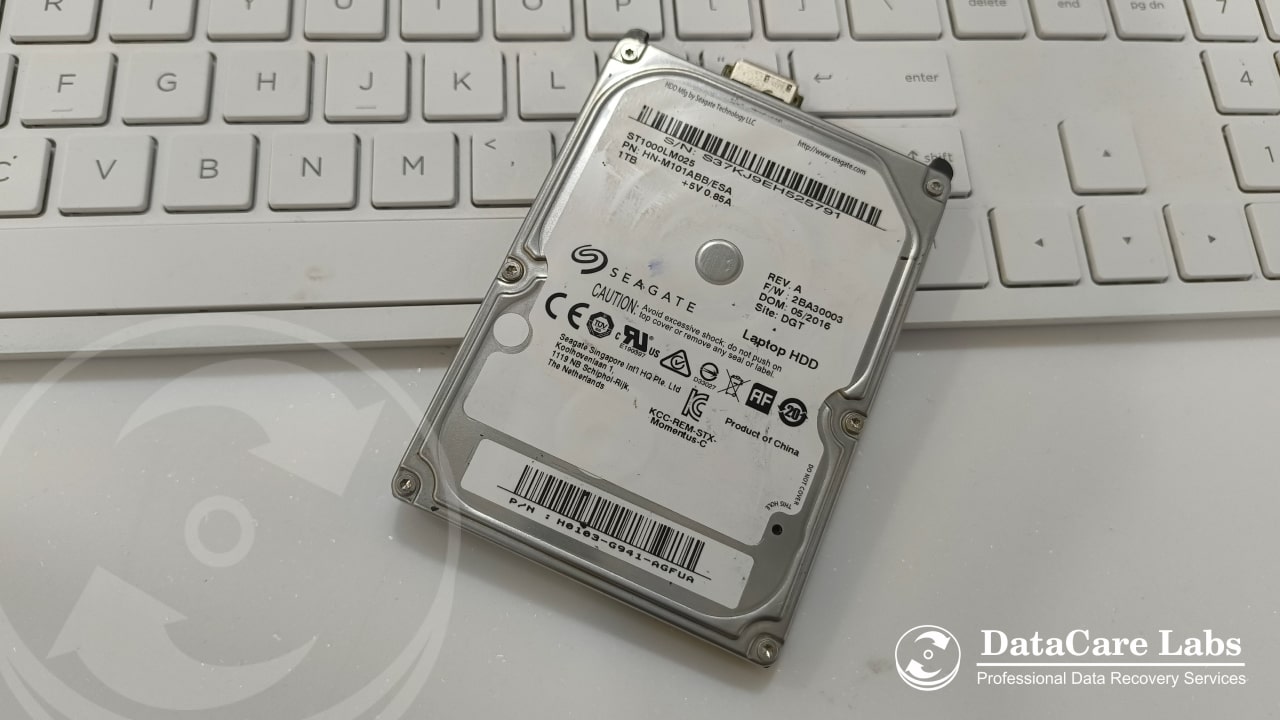
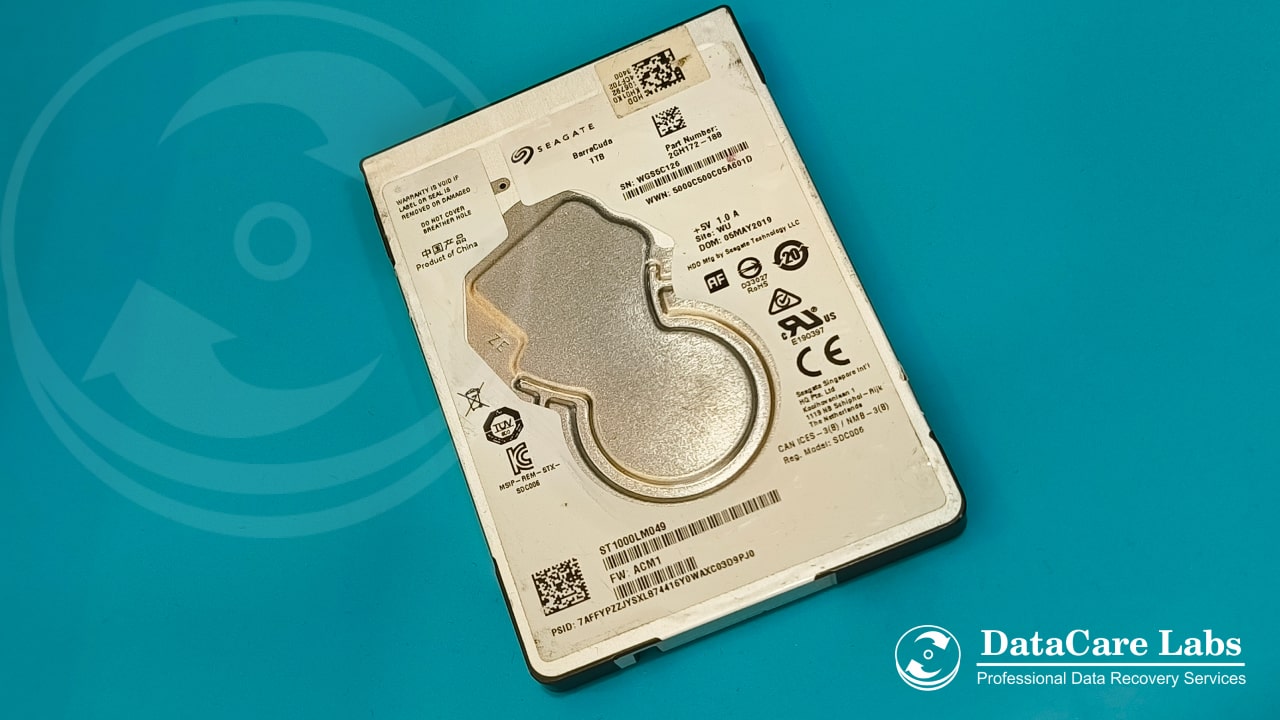
- Find the serial number and model number on the drive’s label. On an internal drive the label is on the top of the casing; on an external drive it is on the underside or the back of the enclosure. The serial is 8 characters (for example
ZA1B2C3D); the model starts withSTfor internal drives and is printed as Model or P/N on externals. - Go to Seagate’s Warranty & Replacements page on seagate.com and enter the serial number (and model if asked). The same tool covers drives bought in India — there is no separate Indian lookup.
- The result shows whether the drive is in warranty with its expiry date, out of warranty, or that the serial is not recognised — which usually means a typo (the letter O and the digit 0 are the usual culprits), or a drive sold as part of a computer, whose warranty belongs to the computer maker rather than Seagate.
- If the drive is in warranty, the same page starts the replacement (RMA) process and tells you where to send it.
Seagate warranty terms run from one to five years depending on the product line — desktop Barracuda drives at the short end, IronWolf Pro and Exos at the long end — so the expiry date shown by the tool is the number to trust, not the receipt.
What a Seagate warranty claim gives you
The warranty covers the drive as a piece of hardware. If it fails within the term, Seagate replaces it — usually with a recertified drive of the same or equivalent model — once you have shipped the failed drive to them. That is the whole of the promise. Three things it does not include:
- Your data. The failed drive is not read, not copied and not returned. The replacement arrives blank.
- The reason it failed. Seagate does not diagnose the cause for you. A drive that was dropped or damaged by a power surge is also outside the warranty, and the technician who receives it can tell.
- A drive that has been opened. A broken warranty seal, or evidence the drive has been opened, voids the claim. This is the detail that matters if you also want the data.
Many retail Seagate drives sold in India include Rescue Data Recovery Services — the listing says “with 2 yr” or “with 3 yr Data Recovery Services” and the box carries the Rescue logo. The One Touch external drives are the common example; several internal lines such as IronWolf and FireCuda carry it too. Rescue is separate from the warranty: if the drive fails within the plan term, Seagate’s own lab makes one recovery attempt at no charge and returns the recovered data on a new drive. If your drive has Rescue, use it before anything else — it is the one route that gives you both the data and the replacement without paying a third-party lab. One attempt is all the plan allows, so do not let anyone else open or work on the drive first. Check the plan on Seagate’s Rescue page with your serial number; it may need to be registered. Drives that came inside a computer (OEM) and drives bought without the plan do not include it. Western Digital works differently — no bundled plan, and opening an external enclosure voids the claim — see our WD warranty check guide.
The right order when you want the data and the replacement
Most people ship the drive back first, because the RMA page makes that the obvious next step. Once the drive is gone, the data is gone with it. The order that works:
- Check whether the drive has a Rescue Data Recovery plan. Look for “Data Recovery Services” on the purchase listing or the Rescue logo on the box. If it does, claim Rescue first — Seagate recovers the data and the warranty handles the drive. The rest of this list is for drives without it.
- Check the warranty first, but do not start the RMA yet. Note the expiry date. A drive that fails in month 20 of a 24-month warranty still has four months — enough time to recover the data first.
- Decide whether the data matters more than the replacement. A replacement Barracuda is worth a few thousand rupees; the recovery may cost more than that. If the data does not matter, claim the warranty and stop reading.
- Get the data recovered before the drive leaves you. A lab images the drive and returns your files on a new device. Ask the lab, before you agree to anything, whether the recovery will require opening the drive.
- If the drive must be opened, contact Seagate support before it is. Explain that a third-party lab needs to open the drive to recover the data and ask whether the warranty claim will still be honoured afterwards. Get the answer in writing, with a case number. Seagate’s answer varies by region and product, so we will not tell you what it will be — only that asking beforehand is what protects the claim.
- Then start the RMA and ship the drive with the paperwork.
Which failures need the drive opened, and which don’t
This is what the lab checks in the free analysis, and it decides the answer to step 4 above:
- No opening needed — the drive is detected but slow or throwing read errors (bad sectors), the file system is damaged, the drive was formatted, or the fault is in the electronics or firmware. The drive is imaged sector by sector on a hardware imager, or its board or firmware repaired, without breaking the seal. This covers most Seagate failures we see: the drive appears in the BIOS, but Windows hangs on it, or it shows up with the wrong capacity or a generic name — a firmware fault common on several Barracuda generations.
- Opening needed — the drive clicks, beeps, does not spin, or spins and then stops. Those are head or motor failures, and the only way to the data is to replace the failed part in the Class 100 clean room and image the platters. The seal is broken by definition.
Hard disk recovery charges for a single drive start at ₹3,000 for logical faults, ₹6,000 for firmware and ₹10,500 where clean-room work is needed, quoted firmly after the analysis and charged only if the data comes back.
Before you send any Seagate drive anywhere
- Write down the serial number and photograph the label. You will need both for the warranty and for the lab, and labels sometimes come off in transit.
- Stop powering the drive on. A clicking drive loses platter surface with every start; a drive with bad sectors gets worse with every scan.
- Do not run CHKDSK, SeaTools‘ “fix” options or third-party repair software on a drive whose data you want. Testing is fine; fixing writes to the drive.
- Pack the drive in an anti-static bag inside a box with padding on all sides. Courier services are rougher than a warranty claim can afford.
Seagate drive recovery at DataCare Labs
We recover data from every Seagate line — Barracuda, FireCuda, IronWolf, SkyHawk, Exos, and the Expansion, Backup Plus and One Touch external drives — as hard disk data recovery or external hard drive recovery. The analysis is free, takes 25–30 minutes once the drive reaches the lab in Pune, and tells you whether the drive needs opening before you decide anything about the warranty. Drives arrive from across India by courier. Contact us or call +91 9860 070809. Seagate’s own India number and its walk-in service centres are listed in our Seagate customer care and service centre guide.
Seagate warranty and data — frequently asked questions
Checking the warranty, what a claim gives you, and how to keep both the claim and your data.
Still unsure what happened to your device? Call +91 9860 070809 — the analysis is free.