Skip to content

Shift + Delete by Mistake? How to Recover Shift Deleted Files
Quick Answer: Can You Recover Shift Deleted Files?
Often, yes. Shift + Delete skips the Recycle Bin, but Windows does not wipe the file. It only removes the file’s entry and marks its space as free. So the data stays on a hard disk, an external hard disk, a pen drive or a memory card until new data is written over it. That is why you can often recover Shift deleted files, if you act quickly. The same steps help you recover permanently deleted files from an emptied Recycle Bin.
The big exception is an internal SSD. There, Windows tells the SSD which space is free, and the SSD can erase it within seconds or minutes. As a result, on most SSD laptops the chance is low, and we say so honestly before you spend money.
Most important step: stop using that drive now. Every file you save, download or install can write over the data you want back.
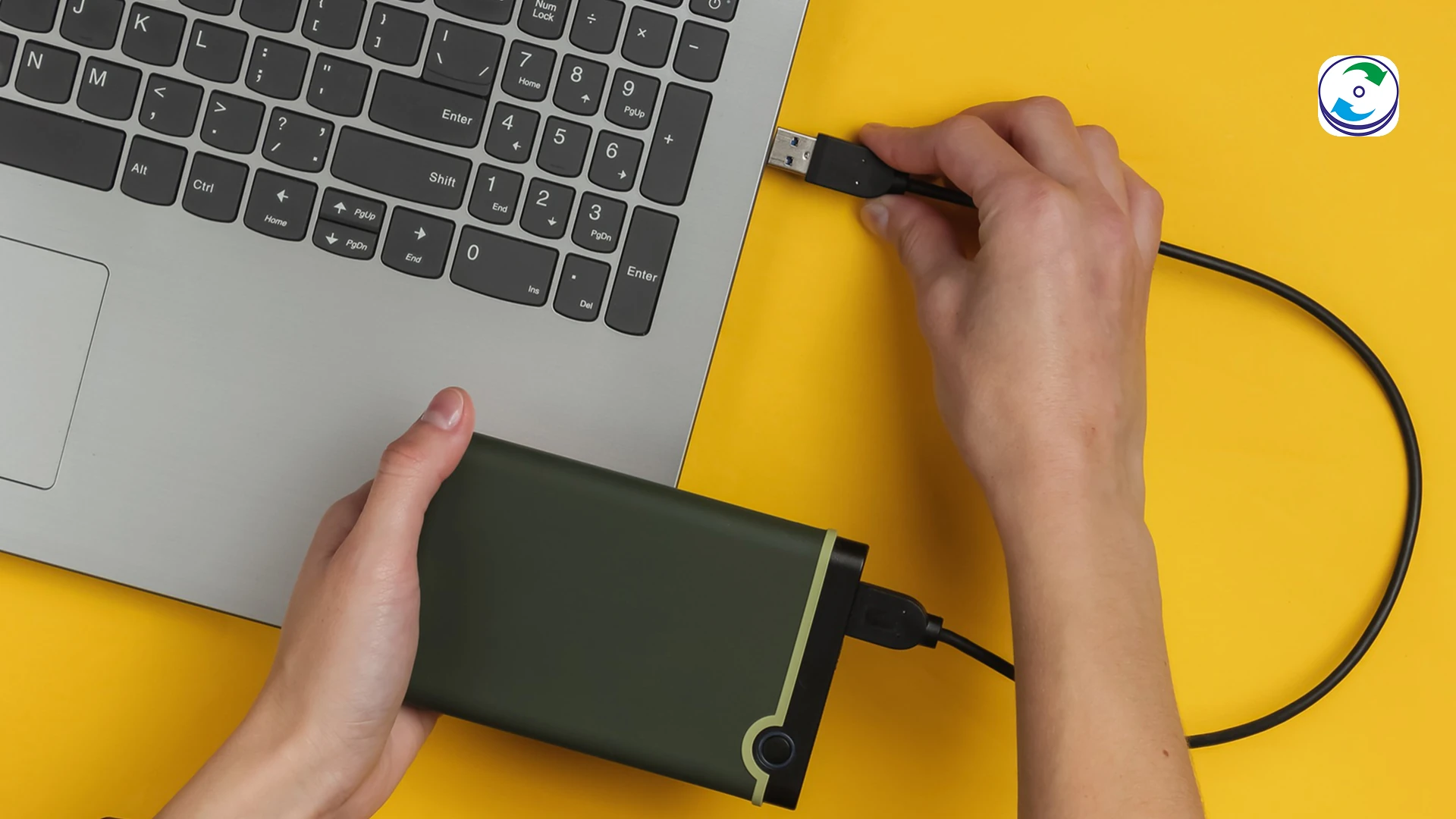
- Hard disk or external hard disk : Usually recoverable, if not overwritten
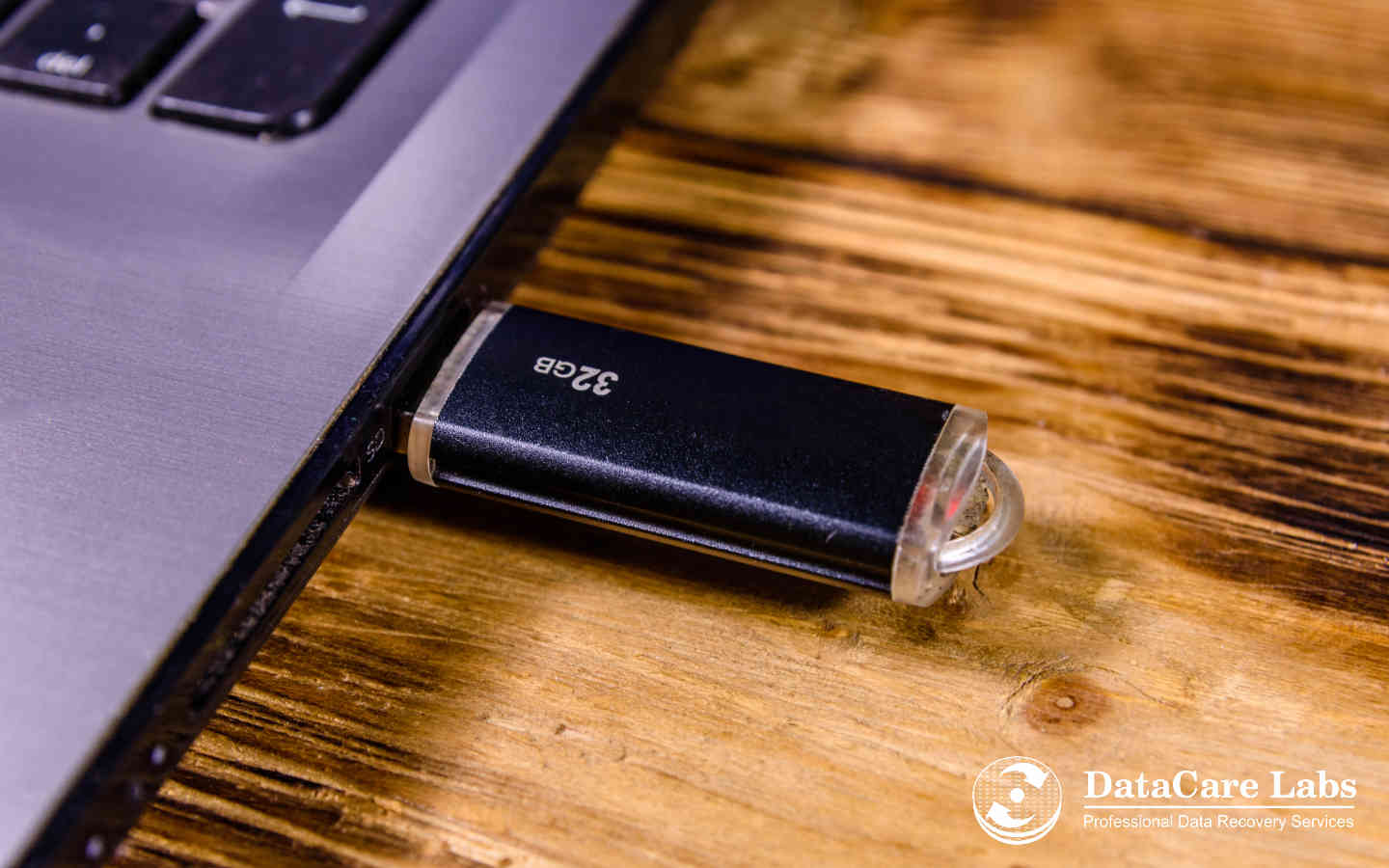
- Pen drive or memory card : Usually recoverable
- Ctrl + Z after Shift + Delete : Does not bring the files back
- Internal SSD (laptop, NVMe) : Low chance once TRIM has run
- Folder synced to OneDrive or Google Drive : Check the online bin first
- Do this now : Stop using the drive
What Shift + Delete Actually Does
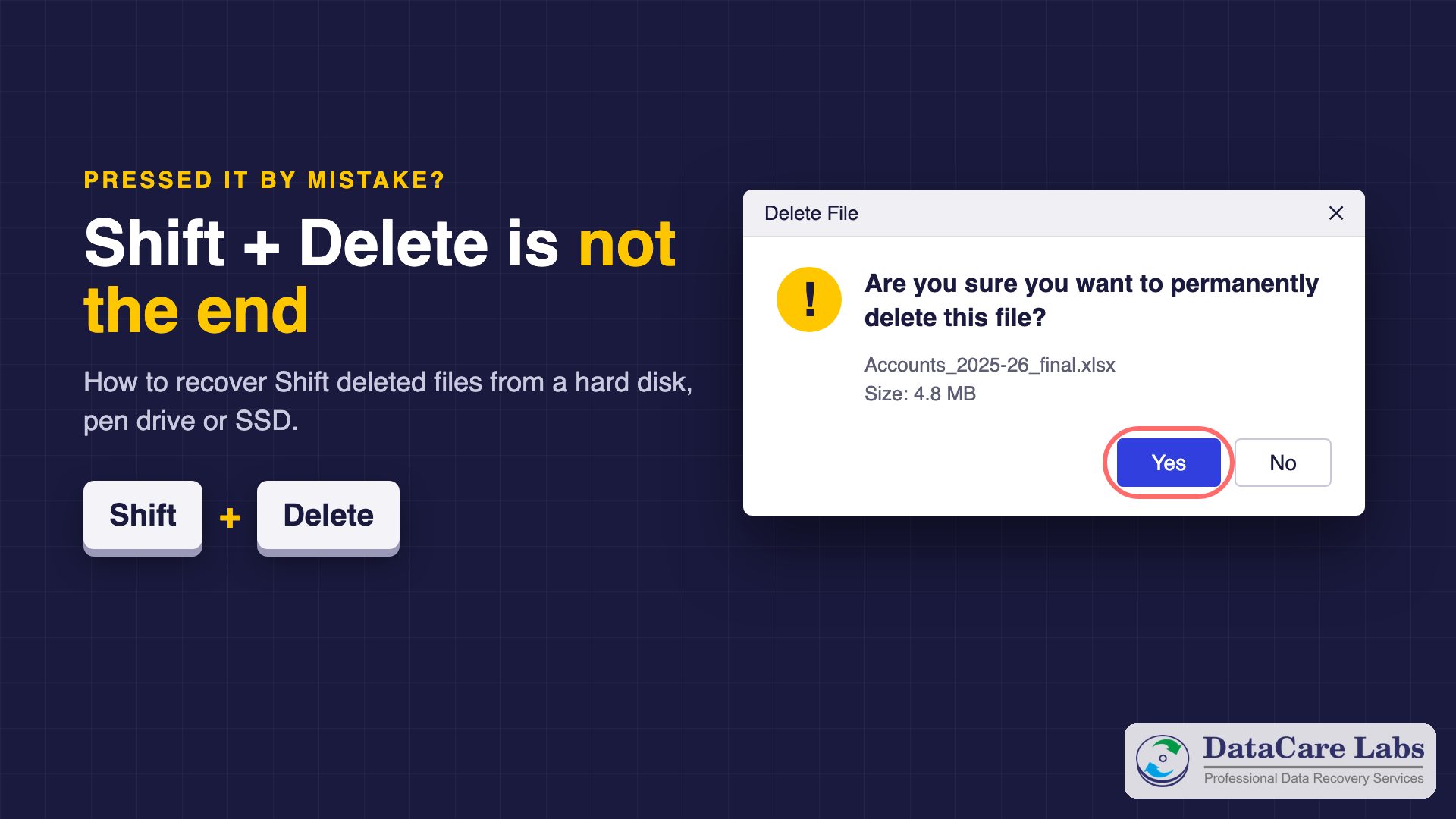
A normal Delete moves a file to the Recycle Bin, where you can restore it. Shift + Delete skips that step. Windows asks Are you sure you want to permanently delete this file?, and after you click Yes, the file is not in the Recycle Bin at all.
But permanently deleted does not mean erased. On an NTFS drive, Windows marks the file’s record in the Master File Table as deleted and marks its clusters as free. The file’s contents stay exactly where they were. They disappear only when Windows writes something new into that free space. This is why anyone can recover permanently deleted files at all.
Two more cases skip the Recycle Bin even with a normal Delete: files deleted from a pen drive or memory card, and files deleted from a network folder. The same advice applies to them.
First Minutes: Stop Using the Drive
Your chance to recover Shift deleted files depends mostly on what you do next. Do this now:
- Stop saving to that drive. Don’t copy files to it, download, or install anything on it.
- Don’t install recovery software on the same drive. The installer itself can land on the deleted data.
- If the files were on C: (Desktop, Documents, Downloads), close your programs. Windows writes to C: all the time, so if the files matter a lot, shut the computer down and keep it off.
- If the files were on a pen drive, memory card or external drive, eject it safely and keep it aside. Don’t format it, even if Windows asks.
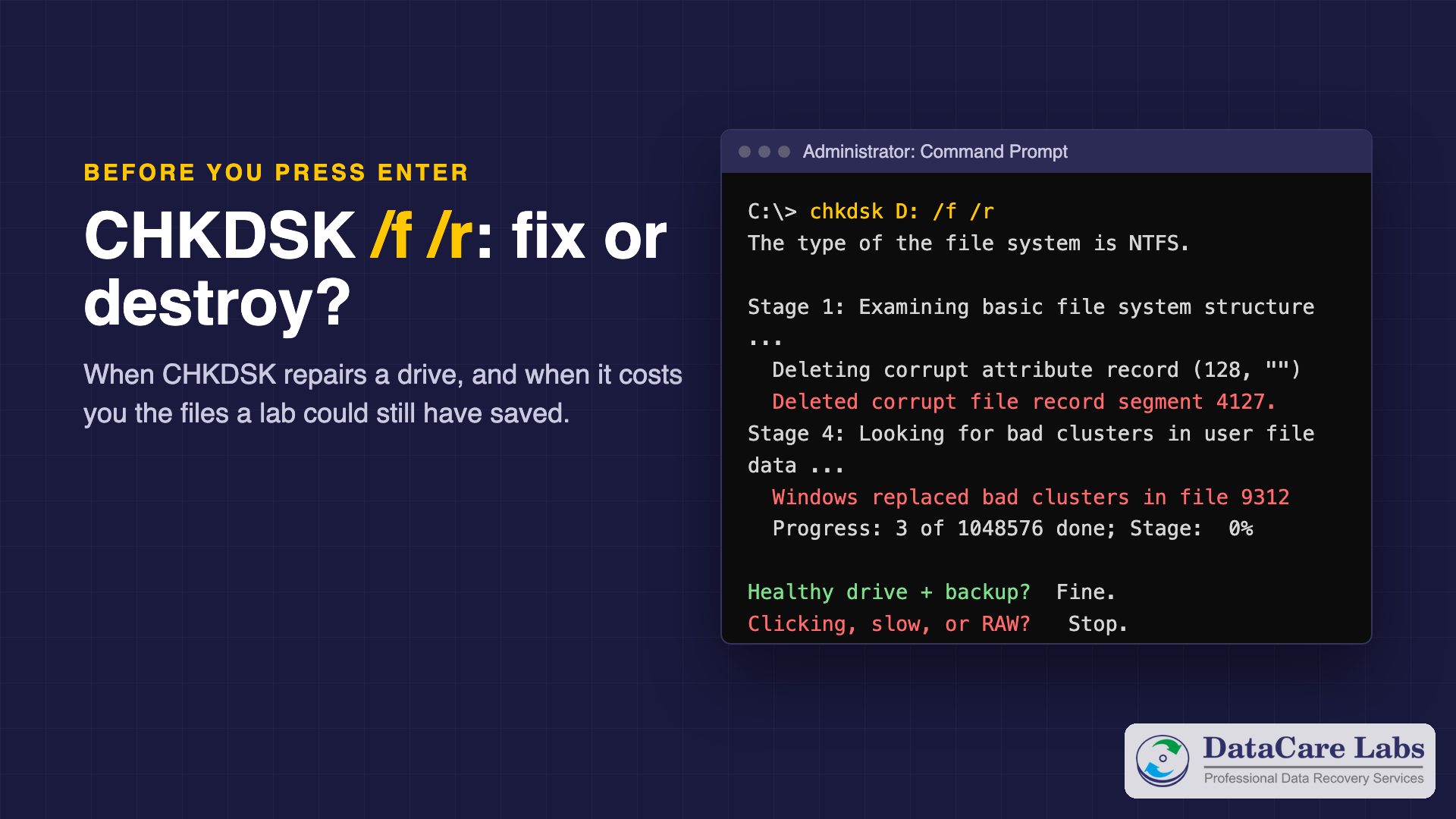
- Don’t run CHKDSK or a repair tool. They are made to fix the file system, not to bring back deleted files, and they can write over them. See when CHKDSK destroys data.
Check These Free Places First
Before any software, spend five minutes on places that may still hold a copy:
- Ctrl + Z. It undoes a normal Delete, but not Shift + Delete. If Ctrl + Z did nothing, that is why.
- OneDrive. If OneDrive synced the folder, the file usually went to the OneDrive recycle bin online. Sign in at onedrive.com and open Recycle bin. Personal accounts keep files there for 30 days; see Microsoft’s OneDrive restore guide.
- Google Drive for desktop. Files deleted from a synced folder go to the Drive Trash online, also for 30 days.
- Previous Versions. Right-click the folder that held the file, choose Properties, then Previous Versions. If File History or a restore point covered that folder, an older copy may be listed.
- File History or a backup drive. Open File History in Control Panel, or check your external backup disk.
- People and e-mail. Did you e-mail the file, or share it with a colleague or client? Their copy may be the quickest way back.
If none of these has it, the data is only on the drive itself. Read on.
Hard Disk, Pen Drive or SSD: Your Real Chances
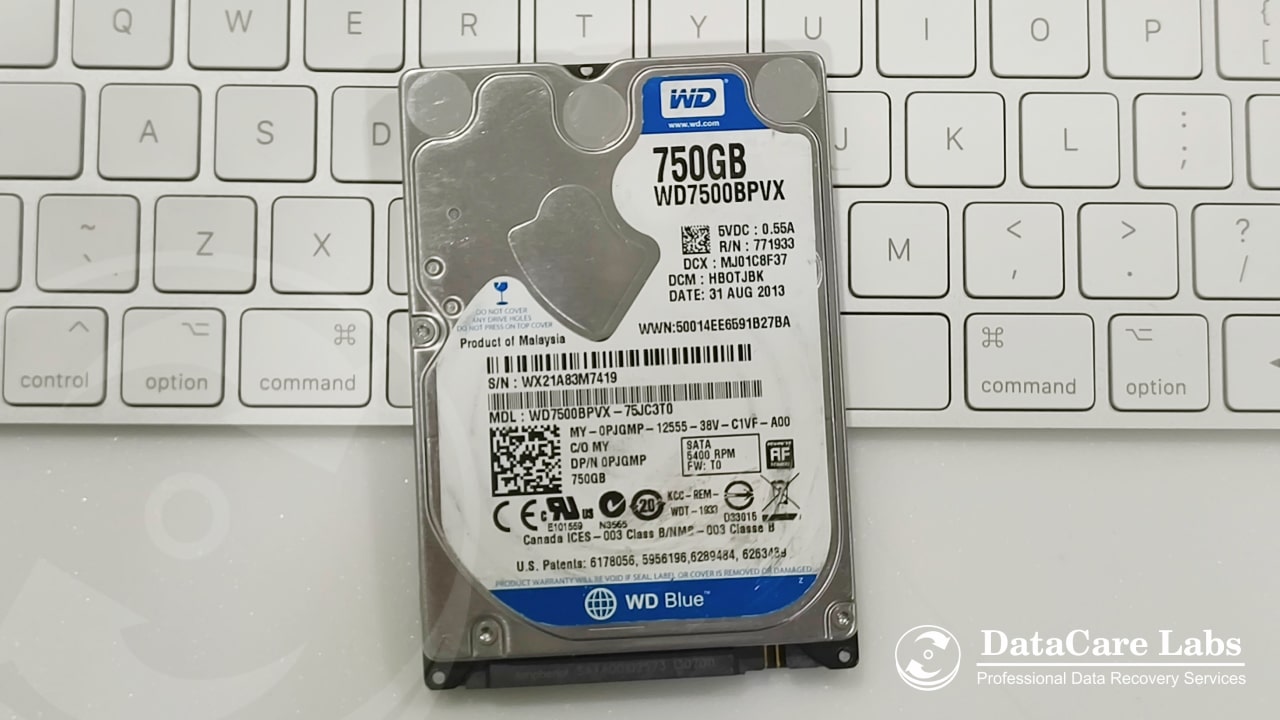
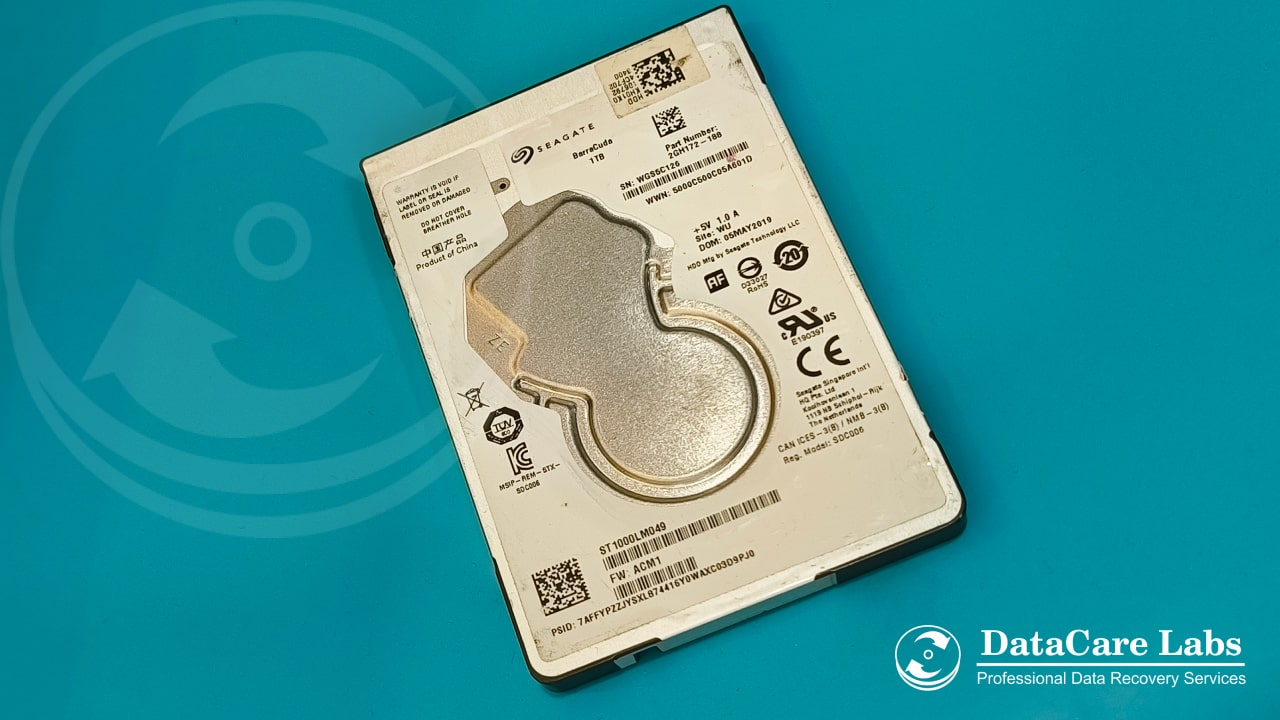
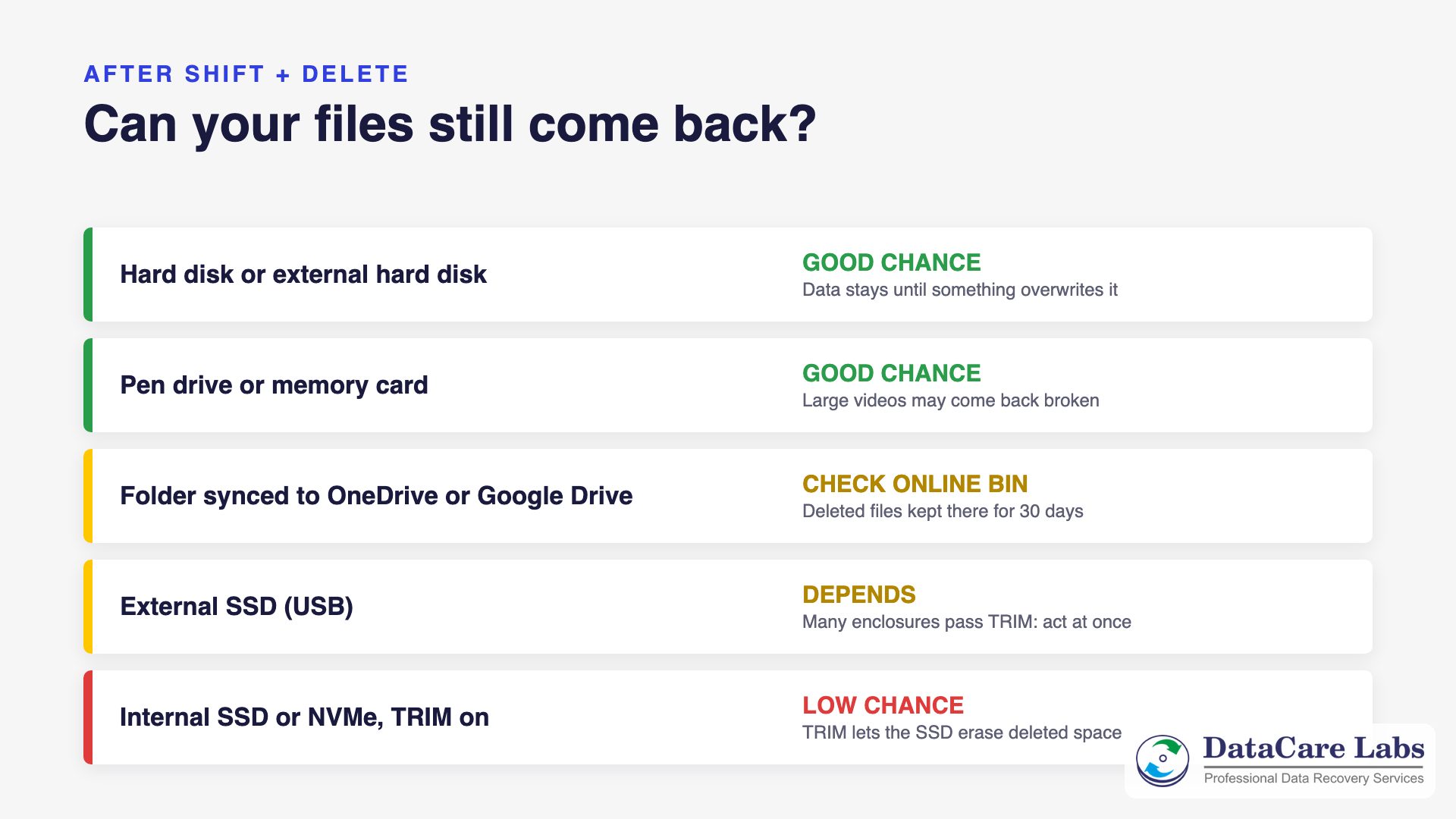
- Hard disk or external hard disk. The best case. The data stays until something overwrites it. A file deleted from a busy C: drive a week ago may be partly overwritten; a file deleted from a backup disk last month is often fully there.
- Pen drive or memory card. Usually good, because most of them do not erase free space by themselves. One catch: on FAT32 and exFAT, Windows forgets how a deleted file’s pieces were linked. Small files and photos usually come back fine; large videos stored in pieces can come back broken.
- Internal SSD or NVMe. Usually low. Windows sends a TRIM command for the freed space, and the SSD can erase those blocks soon after. Once that has happened, nobody can read the data, not software and not a lab. Read how TRIM affects deleted files for the details.
- External SSD. It depends on the enclosure. Many modern USB SSDs pass TRIM through, so treat them like an internal SSD and act at once.
In short: the type of drive matters more than the software you pick.
Recover Shift Deleted Files With Software (Healthy Drives Only)
If the drive works normally (no clicking, no freezing, no errors), you can try software yourself. Good software can recover permanently deleted files from a healthy drive. Follow three rules:
- Install and run the software from a different drive.
- Save the recovered files to a different drive, never back to the one you are scanning.
- Don’t pay until the preview shows your files actually open. A list of names is not proof.
Microsoft’s free Windows File Recovery tool works from Command Prompt. For example, winfr C: E: /regular /n *.docx looks for deleted Word files on C: and saves them to E:. Regular mode suits NTFS drives and recent deletions. For pen drives and memory cards (FAT32 or exFAT), use /extensive. Microsoft itself notes that deleted space on an SSD may already be overwritten.
If the drive is slow, clicking, disconnecting or not detected, do not scan it with software at all. Long scans can finish off a weak drive. Read the risks of free recovery software first.
Files Found, but They Will Not Open?
Software often finds the names, but the files show 0 KB, open as garbage, or photos are grey halfway down. That usually means one of two things:
- New data replaced part of the file. That part is gone for everyone. However, what remains can still help: a lab can sometimes rebuild a document or database from the surviving pieces.
- Windows stored the file in pieces. The software found the start but guessed the rest wrongly. A lab can often put the pieces back together by reading the file system records and the file contents together.
Stop scanning again and again with new tools at this point. Scanning only reads the drive, but every long scan wears a weak drive further, and the result will not change.
Shift + Delete on a Mac
On a Mac, Option + Command + Delete deletes a file at once, without the Trash. Macs use SSDs with TRIM, and most are encrypted as well, so deleted files are rarely recoverable from the internal drive. Your best chances are Time Machine, iCloud Drive’s Recently Deleted, or a copy on an external disk. See our Mac data recovery service for failed Mac drives.
How DataCare Labs Recovers Shift Deleted Files
When we recover permanently deleted files in our lab, we never scan your original drive. First, we make a sector-by-sector copy with hardware imagers. Then we search that copy two ways: through the NTFS, FAT or exFAT records that still describe the deleted files, and by the contents of the files themselves. This finds files that software misses, keeps names and folders where they survive, and puts broken pieces back together.
We are honest about the limits. No lab can recover data that new files have overwritten, or that TRIM has erased on an SSD. So we check the drive for free and show you the list of recoverable files before you pay anything.
We recover deleted files from hard disks, external hard drives, pen drives, memory cards and SSDs at our lab in Pune. See data recovery cost for what affects the price.
So It Never Happens Again
- Use plain Delete, not Shift + Delete, for anything you might want back. The Recycle Bin is your free undo.
- Keep the delete confirmation on: right-click the Recycle Bin, choose Properties and tick Display delete confirmation dialog.
- Turn on File History or OneDrive backup for Desktop, Documents and Pictures.
- Keep one more copy of important work on an external disk, and check it once a month.
Shift Deleted Files: Frequently Asked Questions
Answers for anyone in Pune or across India who pressed Shift + Delete by mistake on a hard disk, pen drive, memory card or SSD.
Deleted important files? Call +91 98600 70809 — the analysis is free.
Deleted Something Important? Stop Using the Drive
Every minute you keep using the drive can overwrite the files you want back. So stop using it, and call our engineers. We check the drive for free and show you which files we can recover before you pay anything.
We offer free pickup across Pune and Pimpri-Chinchwad, and from anywhere in India. If you courier the drive yourself, follow our packing instructions.
📞 Call DataCare Labs: +91 98600 70809
🚚 Free Pickup & Delivery Across India
🔒 100% Confidential Recovery Process
⚡ Free Analysis & Evaluation
Or get a free analysis online.